 Annoteer
For Microsoft Teams meetings
Stop screen-sharing.
Start collaborating.
Everyone marks up the same document at the same time, inside the meeting — PDFs, slides, Word, Excel and images. Then Annoteer turns what you decided into structured data.
Works in Teams Desktop and Teams Web · Sign in with the Microsoft account you already have
The status quo
One person drives. Everyone else describes.
Document review over a screen share has a shape everyone recognises, and it wastes most of the people in the room.
Only one cursor exists. Everyone else says “scroll down a bit — no, the paragraph above” and waits for the person sharing to find it.
Changes get described out loud. Precise edits become approximate sentences, and the nuance is gone by the time it is typed up.
The notes live somewhere else. Someone retypes the decisions into a separate document, and it drifts from the file it was about.
What Annoteer does
The document becomes the meeting.
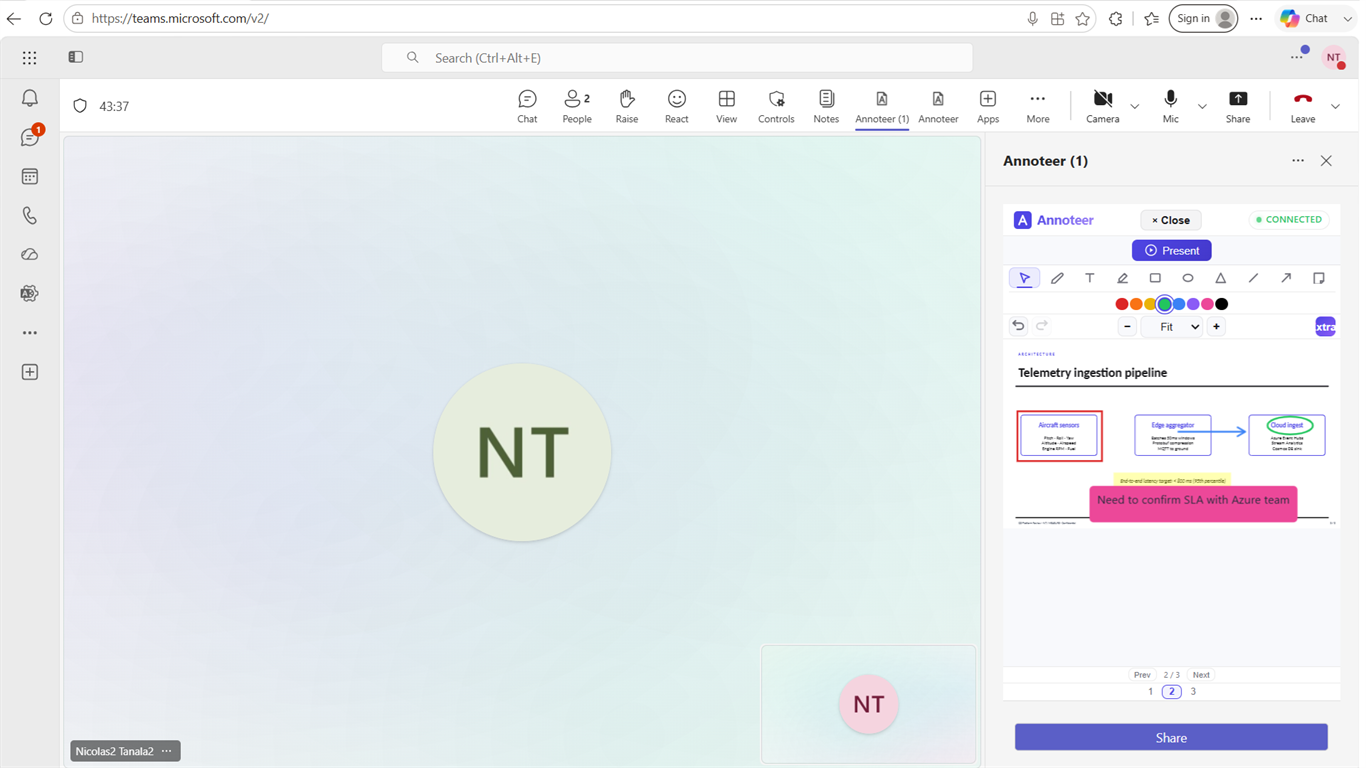
Annoteer opens in the meeting side panel or on the shared stage. Everyone sees the same document and can mark it up at the same time — no hand-off, no “can you give me control”.
Every format your team actually sends
Annotate anything, in one tool. Word and Excel files open as real editors, not flat pictures of themselves.
- PowerPoint
- Word
- Excel
- Images
No new accounts, no new licences
People sign in with the Microsoft work account they already use for Teams. Nothing to provision, nothing extra for IT to administer.
- Microsoft Entra ID SSO
- Per-organisation billing
Turn the document into data
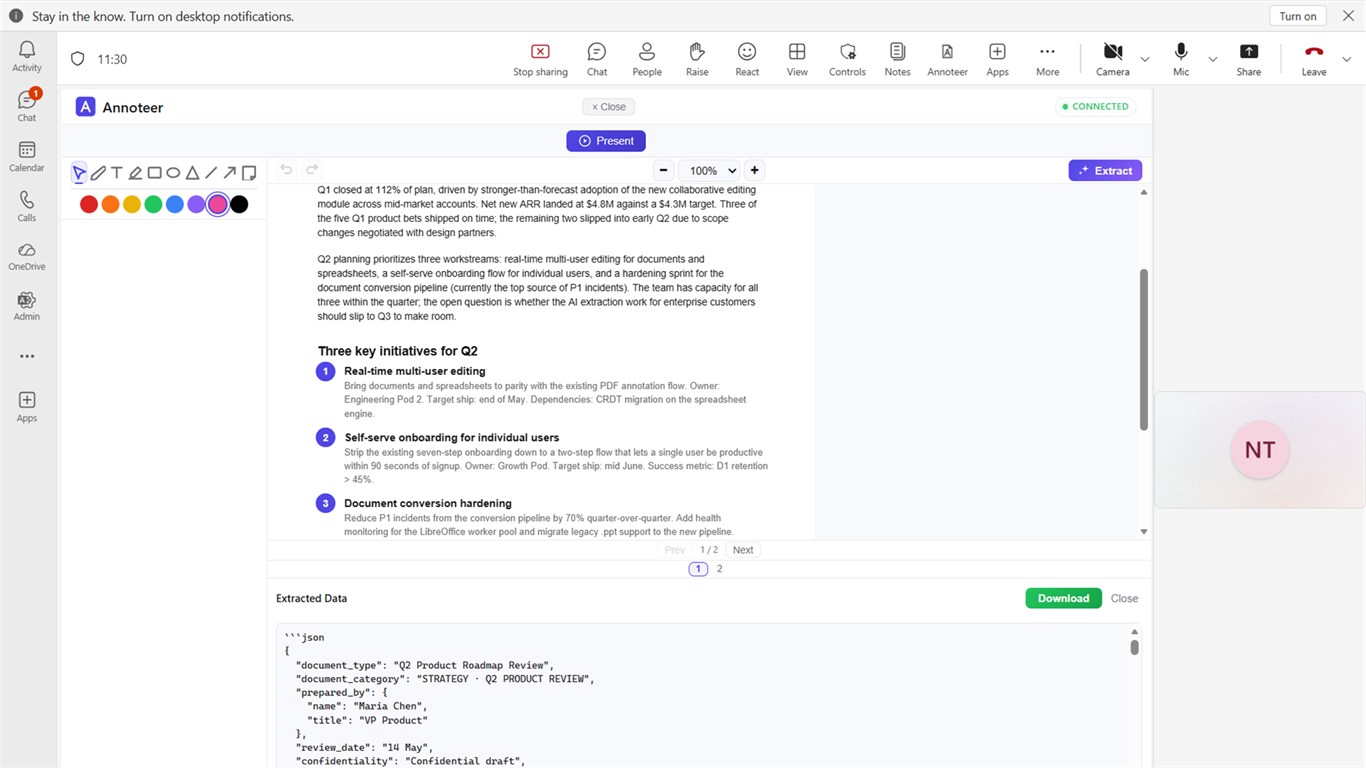
Pull the figures, tables and commitments out of a document as Markdown, JSON, CSV or plain text — without leaving the meeting.
- AI extraction
- Long PDFs supported
Where it earns its place
Meetings that are really about one document.
-
Design & engineering reviews
Drawings and specifications marked up by the whole review panel at once, with every comment anchored to the exact place on the page it refers to.
-
Product & roadmap reviews
Work through the deck live instead of collecting slide-number feedback in chat afterwards.
-
Contract redlining
Both sides read the same clause at the same time, and the changes land in the document rather than in someone's notes.
-
Customer success calls
Walk a customer through their own report, annotate what matters to them, and send it back marked up before the call ends.
-
Training & onboarding
Point at the thing you are talking about, so a remote group follows a procedure the same way an in-person one would.
Pricing
One plan. Everything in it.
There is no feature ladder to compare, because there is only one set of features — every format, unlimited meetings, unlimited participants.
- All five formats — PDF, PowerPoint, Word, Excel and images, with native editing for Office files.
- Unlimited meetings and participants. No caps on how often you use it or who joins.
- Unlimited AI extraction once you subscribe.
- 14-day trial, no credit card. The whole product, with AI extraction limited to 10 documents during the trial.
Billed per organisation. Cancel any time from inside the app — if a subscription lapses, your documents and annotations stay readable.
Larger organisations
Same product, different paperwork: invoice billing, a data-processing agreement, an availability commitment and a named support contact.
Where your files live
Documents and annotations are processed to run the meeting and are not used to train anyone's models. The details are in the privacy policy.
Try it on a real document
Bring it to your next review.
The fastest way to judge Annoteer is to open the document your team is already arguing about. We will walk you through it in about fifteen minutes.